image_url Import does not display the linked card photo or breaks thumbnail
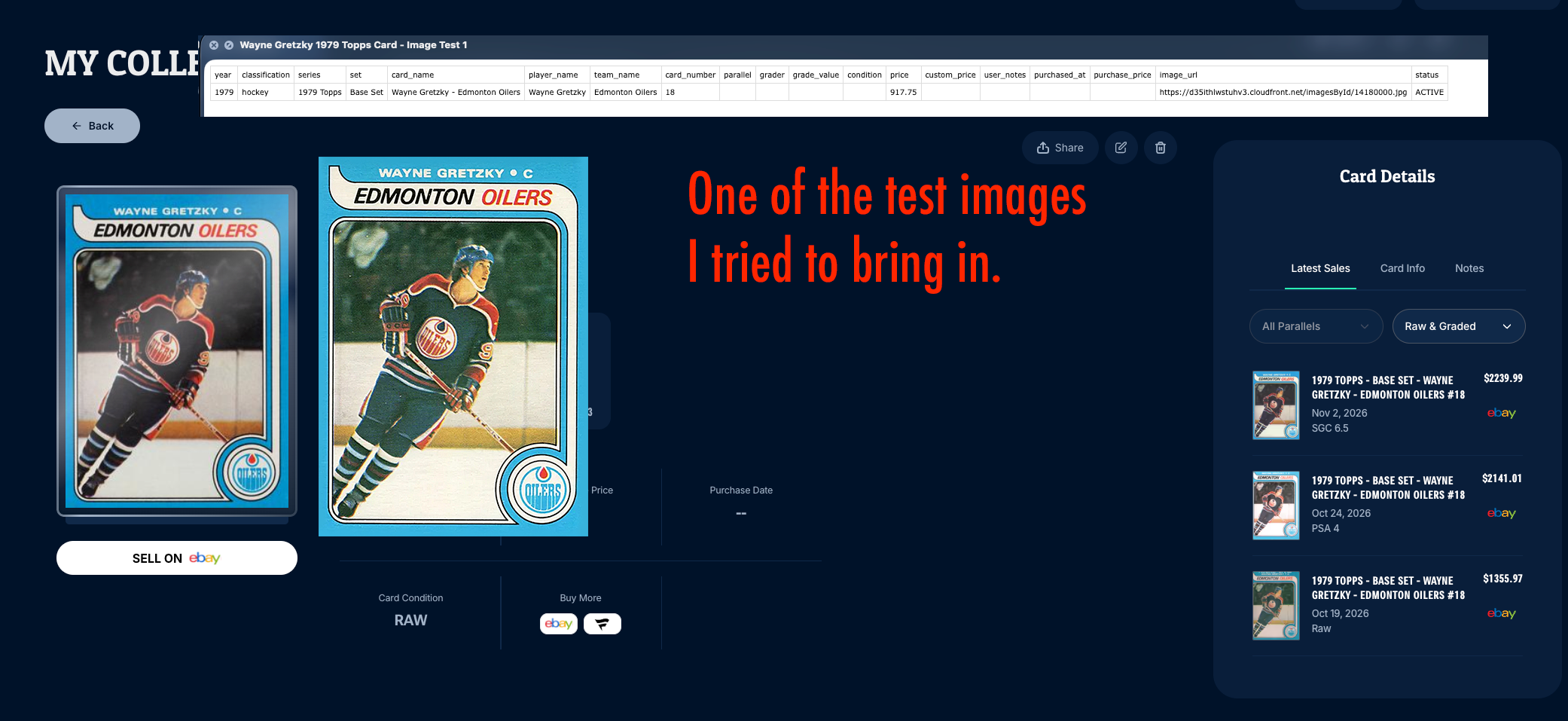
I replaced image_url in a CSV row for 1979 Wayne Gretzky #18. Ludex’s import guide says, “Put a public link in image_url and we fetch the picture for you.” That instruction led the test me to expect the linked photo to appear on the imported copy in My Collection.
Expected behavior
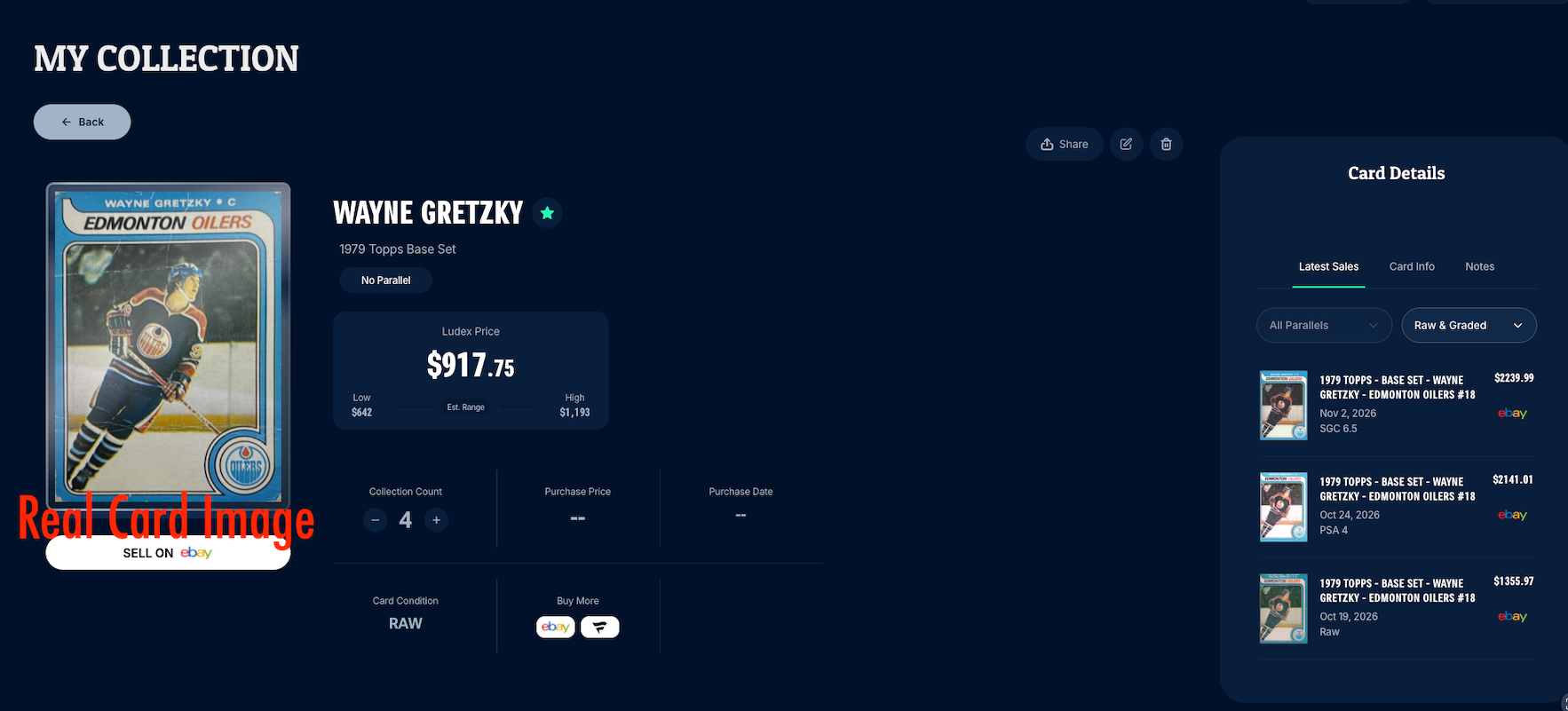
When the URL returns a supported image, the card thumbnail and expanded view should display that photo or a usable placeholder.
Actual behavior
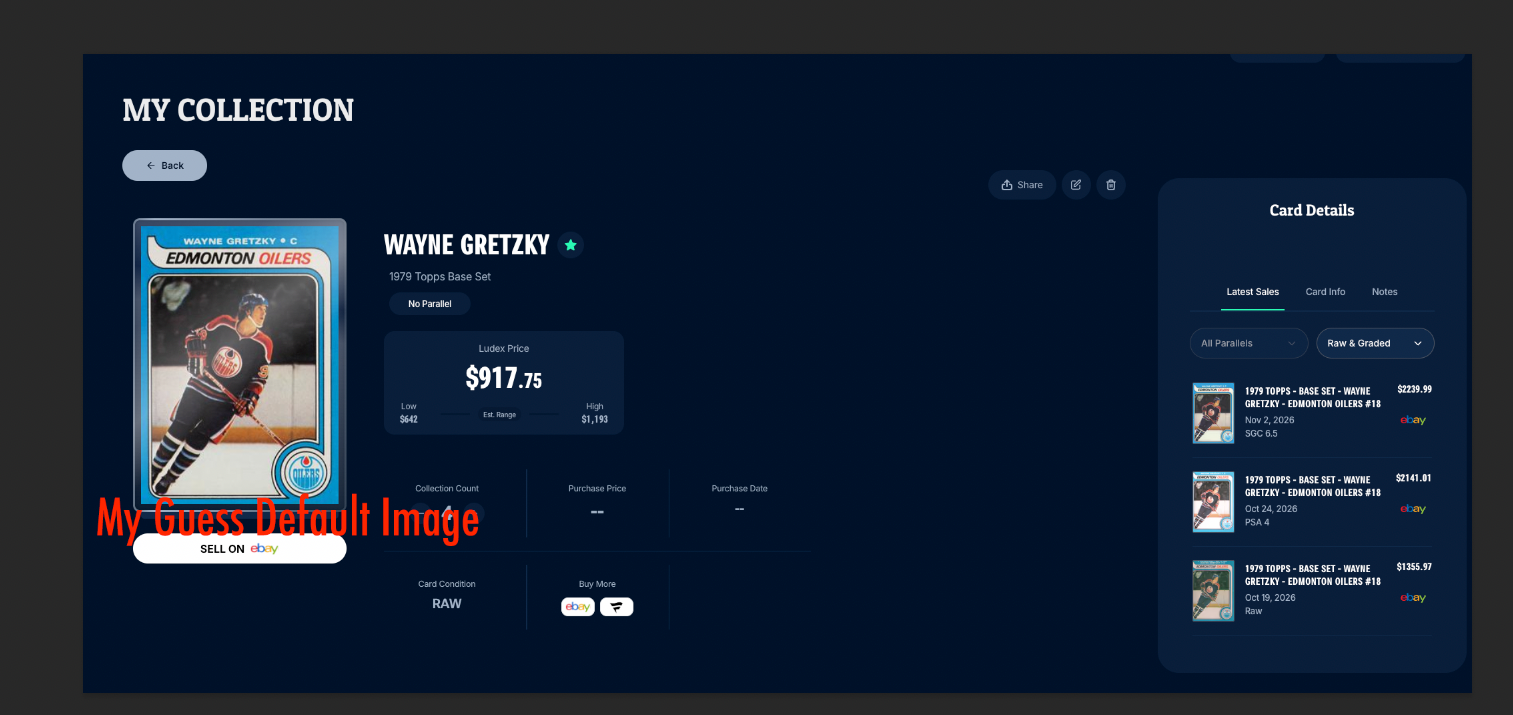
Some imports displayed the (my guess) a default card image instead of the selected photo.
In another captures, the card details loaded, but the thumbnail showed a broken-image icon and the text
cardandcard (expanded.Not sure if Google Drive and iCloud sharing links are suppose to work but I was not a able to use those as well.
Customer details
Tristan Balint · Ludex Collections web (Early Beta) · My Collection → Add Cards → Import CSV
Reproduction / Investigation Notes
Create a one-row CSV for the card. Set
image_urlto a direct JPG link and open it to confirm which photo it displays.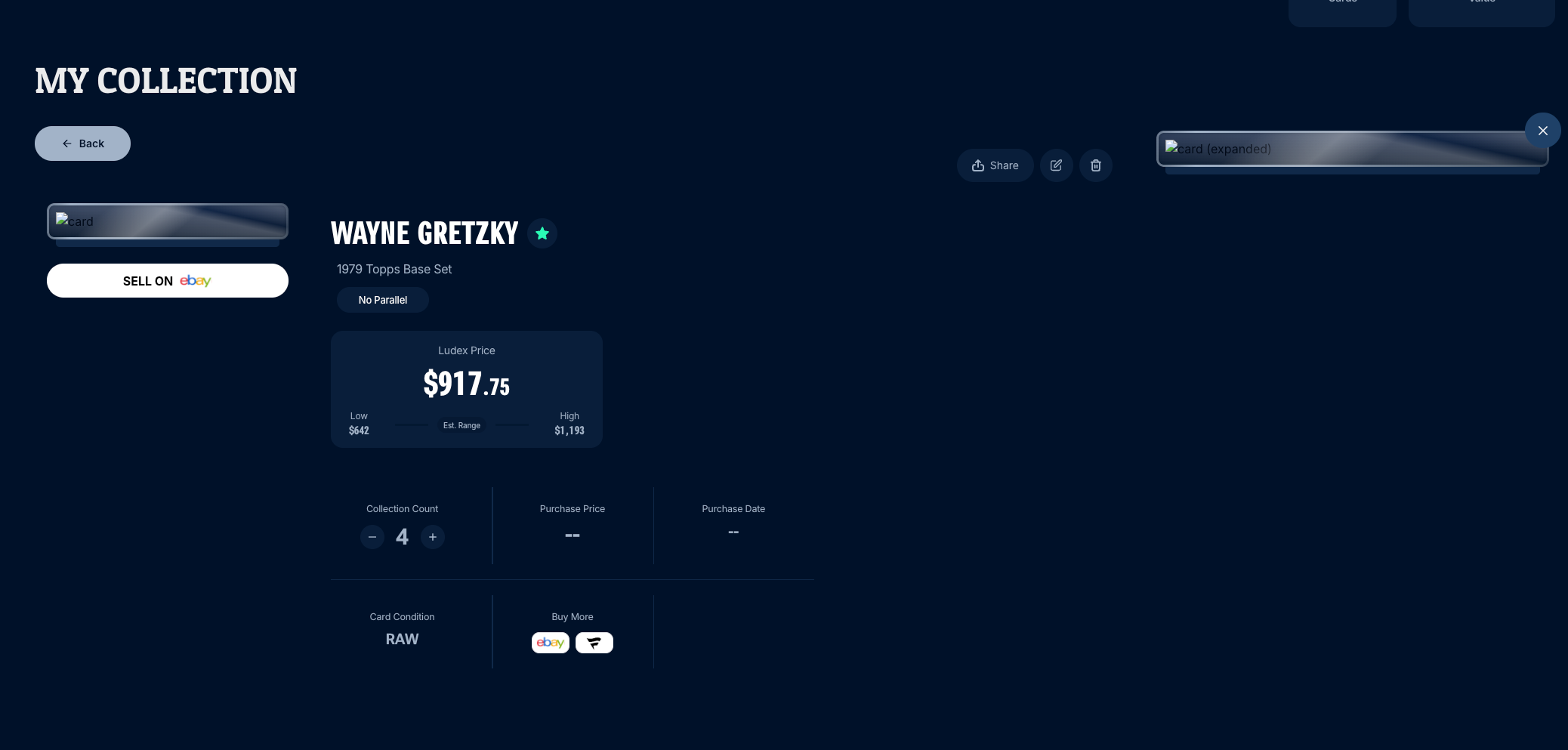

- Platform
- Collections Web
No comments yet
Be the first to share your thoughts.